Tech Stack
Contentful CMS
ShadCN
Accerternity UI
TypeScript
JavaScript
Supabase
MongoDB
Prisma
NextJS
ViteJS
ExpressJS
ClackJS
Redis
MailChimp
Twilio
Hashnode
Docker & Docker-Compose
Prometheus
Grafana
PM2
BullMQ
LemonSqueezy
Ngrok
Passport JS
Vercel
This project holds a special place for me—not just as a tool, but as my first real product. Praxis is the culmination of a long-standing goal I’ve had since I began coding: to build something that truly enhances the developer experience by combining automation, best practices, and thoughtful design.
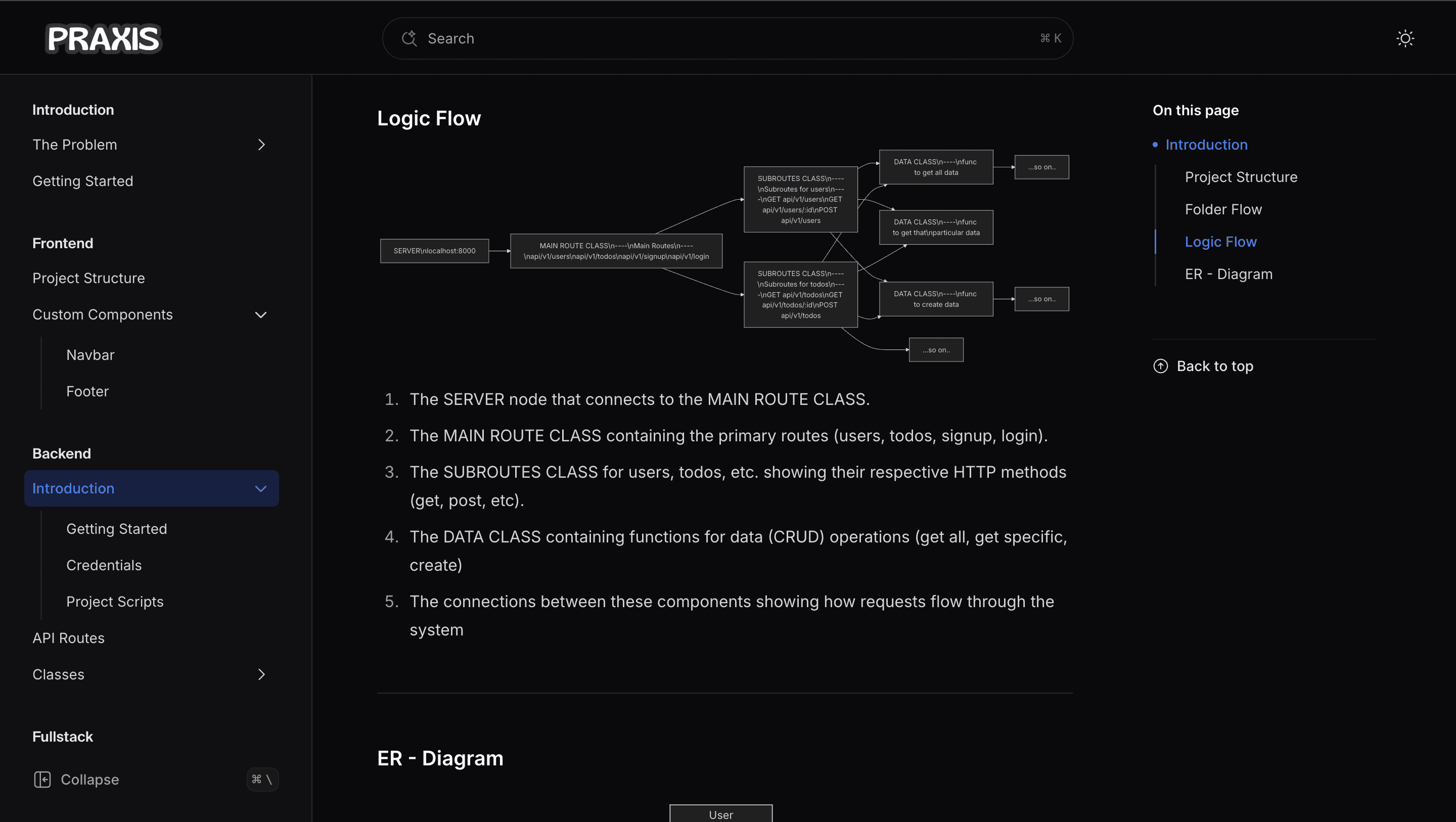
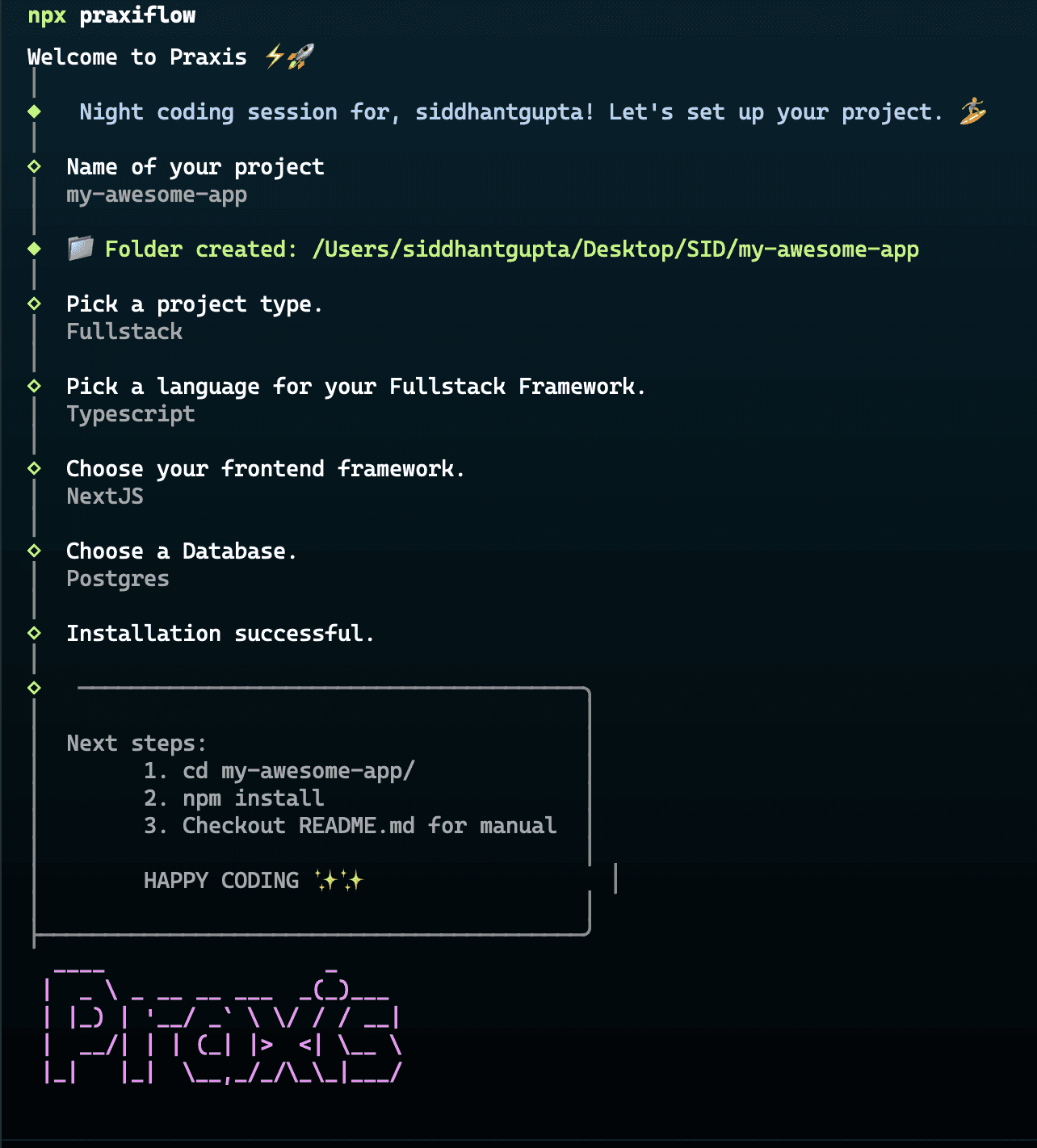
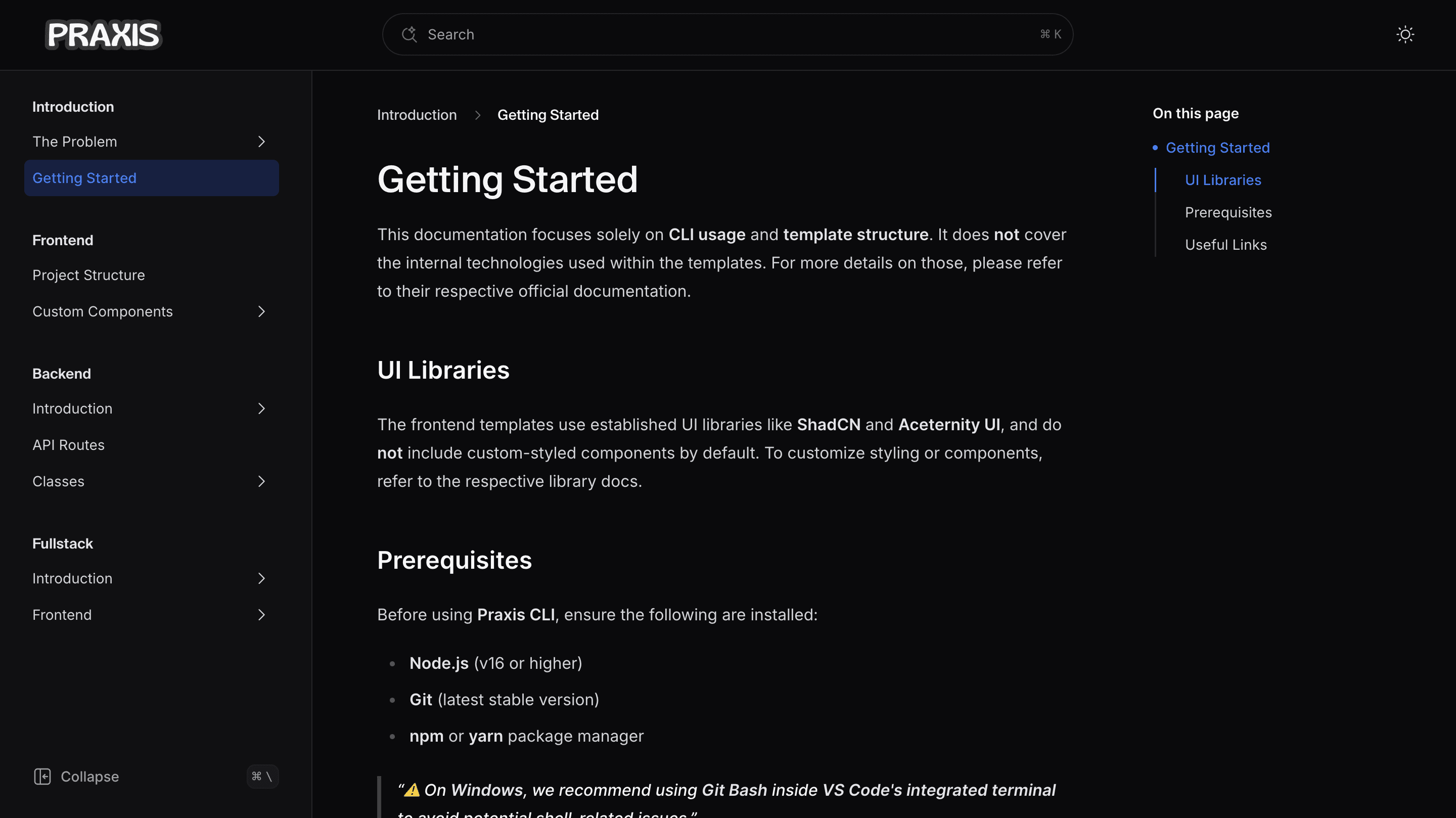
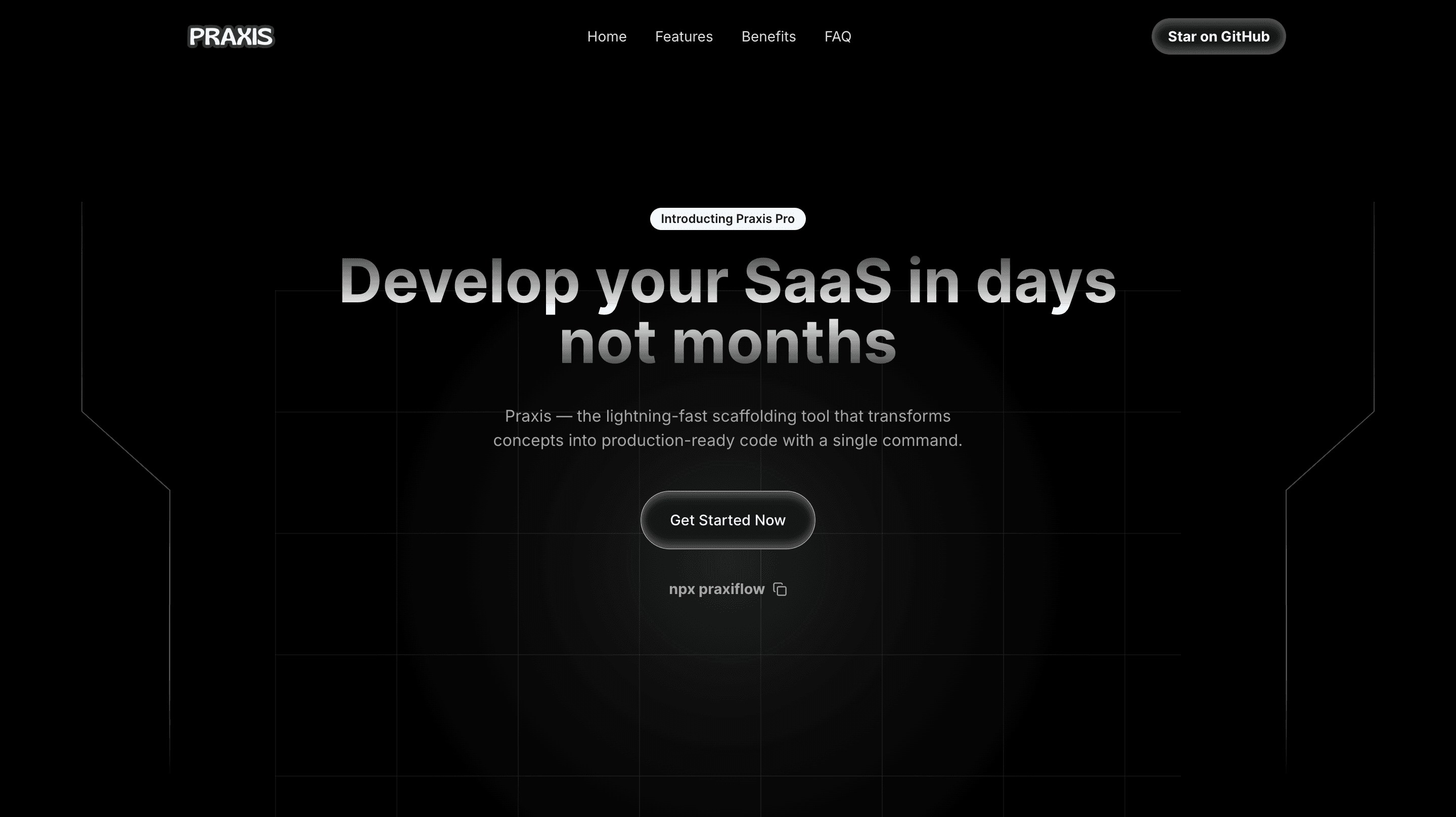
Praxis is a scaffolding CLI tool designed to streamline the development workflow. It accelerates project setup by automating repetitive tasks and providing pre-configured templates that reflect industry best practices. Whether you're spinning up a new app or standardizing your project structure, Praxis reduces friction and boosts productivity from the very first command.
Key Features
Rapid project initialization with best-practice templates
Automated setup for dependencies, directory structures, and tooling
Customizable workflows tailored to your stack
Developer-focused design for efficiency and clarity
Clean, minimal CLI interface with thoughtful defaults
How Praxis CLI Works
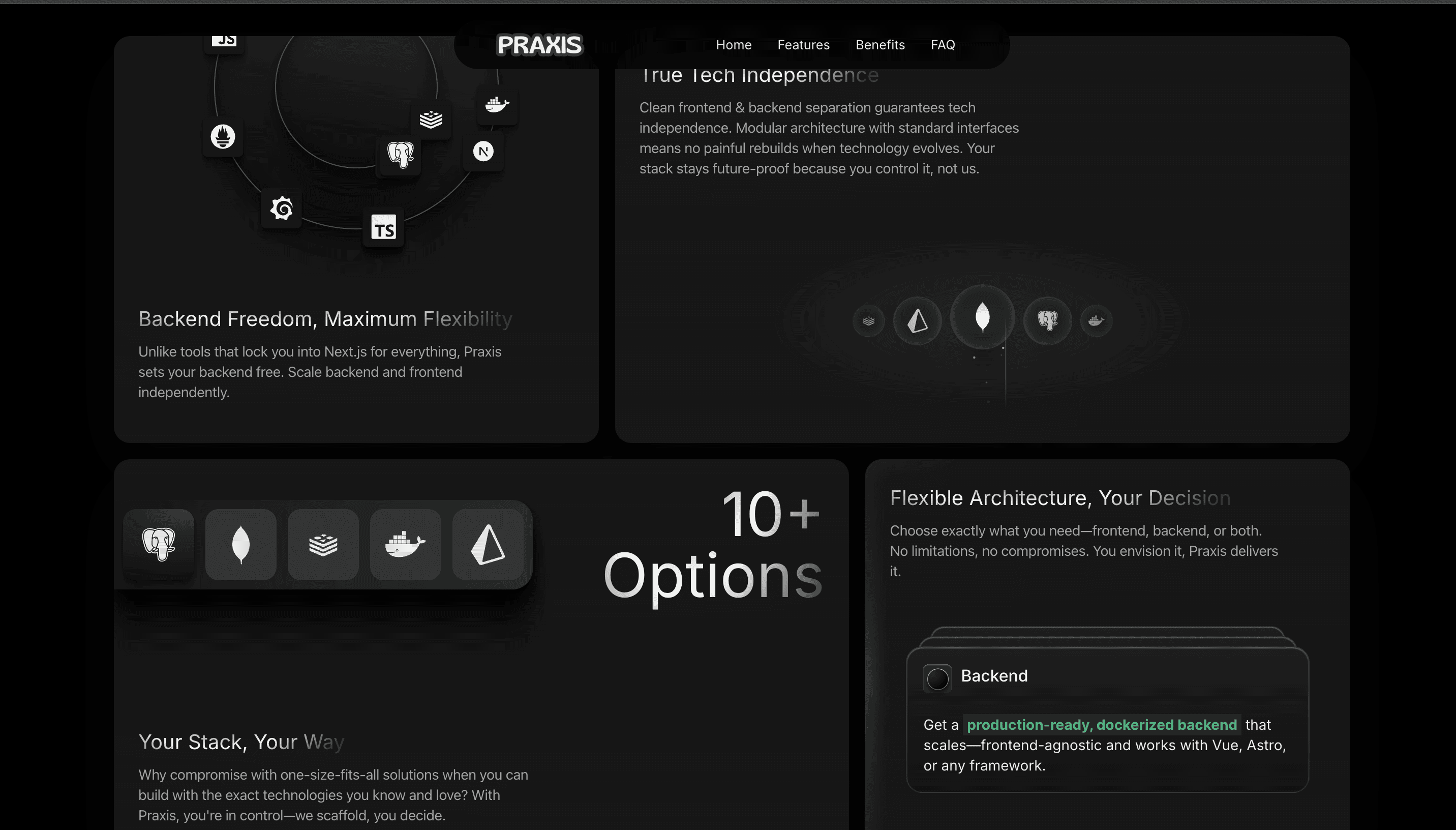
Choose Your Frontend
Praxis CLI offers multiple frontend configurations:
Next.js – Optimized for SaaS applications.
Vite.js – A lightweight, fast alternative (supports React or Vue).
Standalone Backend Architecture
A fully production-ready backend, independent of Next.js, with:
Database Options
MongoDB or PostgreSQL – Choose the right database for your needs.
Prisma ORM – Preconfigured with sample data seeding.
Scalability & Performance
Redis caching – Speeds up database queries.
BullMQ – Handles background jobs (emails, notifications, payments).
Production-Ready Features
JWT authentication & authorization.
Prebuilt API routes (Auth, CRUD, LemonSqueezy payments, OAuth, etc.).
Monitoring with Prometheus & Grafana.
Dockerized setup with Docker Compose.
Graceful degradation for production stability.
Clean, Maintainable Code
OOP-based architecture – Easy to scale and maintain.
Full-Stack SaaS Development Without Constraints
For developers who need a full-stack solution, Praxis CLI can generate a Next.js or Vite.js-based SaaS app with preconfigured API routes and integrations.
But unlike typical starters, Praxis CLI ensures:
The backend is not tied to Next.js – You can migrate or scale separately.
The frontend is modular – Switch between frameworks easily.
Everything works independently – No unnecessary dependencies
This tool is more than just a productivity booster—it's an expression of everything I’ve learned about efficient, high-quality software development. Praxis is built by a developer, for developers, and it marks the beginning of my journey into building tools that empower others. To know more about it try PRAXIS now.
Tech Stack
Contentful CMS
ShadCN
Accerternity UI
TypeScript
JavaScript
Supabase
MongoDB
Prisma
NextJS
ViteJS
ExpressJS
ClackJS
Redis
MailChimp
Twilio
Hashnode
Docker & Docker-Compose
Prometheus
Grafana
PM2
BullMQ
LemonSqueezy
Ngrok
Passport JS
Vercel
This project holds a special place for me—not just as a tool, but as my first real product. Praxis is the culmination of a long-standing goal I’ve had since I began coding: to build something that truly enhances the developer experience by combining automation, best practices, and thoughtful design.
Praxis is a scaffolding CLI tool designed to streamline the development workflow. It accelerates project setup by automating repetitive tasks and providing pre-configured templates that reflect industry best practices. Whether you're spinning up a new app or standardizing your project structure, Praxis reduces friction and boosts productivity from the very first command.
Key Features
Rapid project initialization with best-practice templates
Automated setup for dependencies, directory structures, and tooling
Customizable workflows tailored to your stack
Developer-focused design for efficiency and clarity
Clean, minimal CLI interface with thoughtful defaults
How Praxis CLI Works
Choose Your Frontend
Praxis CLI offers multiple frontend configurations:
Next.js – Optimized for SaaS applications.
Vite.js – A lightweight, fast alternative (supports React or Vue).
Standalone Backend Architecture
A fully production-ready backend, independent of Next.js, with:
Database Options
MongoDB or PostgreSQL – Choose the right database for your needs.
Prisma ORM – Preconfigured with sample data seeding.
Scalability & Performance
Redis caching – Speeds up database queries.
BullMQ – Handles background jobs (emails, notifications, payments).
Production-Ready Features
JWT authentication & authorization.
Prebuilt API routes (Auth, CRUD, LemonSqueezy payments, OAuth, etc.).
Monitoring with Prometheus & Grafana.
Dockerized setup with Docker Compose.
Graceful degradation for production stability.
Clean, Maintainable Code
OOP-based architecture – Easy to scale and maintain.
Full-Stack SaaS Development Without Constraints
For developers who need a full-stack solution, Praxis CLI can generate a Next.js or Vite.js-based SaaS app with preconfigured API routes and integrations.
But unlike typical starters, Praxis CLI ensures:
The backend is not tied to Next.js – You can migrate or scale separately.
The frontend is modular – Switch between frameworks easily.
Everything works independently – No unnecessary dependencies
This tool is more than just a productivity booster—it's an expression of everything I’ve learned about efficient, high-quality software development. Praxis is built by a developer, for developers, and it marks the beginning of my journey into building tools that empower others. To know more about it try PRAXIS now.
Tech Stack
Contentful CMS
ShadCN
Accerternity UI
TypeScript
JavaScript
Supabase
MongoDB
Prisma
NextJS
ViteJS
ExpressJS
ClackJS
Redis
MailChimp
Twilio
Hashnode
Docker & Docker-Compose
Prometheus
Grafana
PM2
BullMQ
LemonSqueezy
Ngrok
Passport JS
Vercel
This project holds a special place for me—not just as a tool, but as my first real product. Praxis is the culmination of a long-standing goal I’ve had since I began coding: to build something that truly enhances the developer experience by combining automation, best practices, and thoughtful design.
Praxis is a scaffolding CLI tool designed to streamline the development workflow. It accelerates project setup by automating repetitive tasks and providing pre-configured templates that reflect industry best practices. Whether you're spinning up a new app or standardizing your project structure, Praxis reduces friction and boosts productivity from the very first command.
Key Features
Rapid project initialization with best-practice templates
Automated setup for dependencies, directory structures, and tooling
Customizable workflows tailored to your stack
Developer-focused design for efficiency and clarity
Clean, minimal CLI interface with thoughtful defaults
How Praxis CLI Works
Choose Your Frontend
Praxis CLI offers multiple frontend configurations:
Next.js – Optimized for SaaS applications.
Vite.js – A lightweight, fast alternative (supports React or Vue).
Standalone Backend Architecture
A fully production-ready backend, independent of Next.js, with:
Database Options
MongoDB or PostgreSQL – Choose the right database for your needs.
Prisma ORM – Preconfigured with sample data seeding.
Scalability & Performance
Redis caching – Speeds up database queries.
BullMQ – Handles background jobs (emails, notifications, payments).
Production-Ready Features
JWT authentication & authorization.
Prebuilt API routes (Auth, CRUD, LemonSqueezy payments, OAuth, etc.).
Monitoring with Prometheus & Grafana.
Dockerized setup with Docker Compose.
Graceful degradation for production stability.
Clean, Maintainable Code
OOP-based architecture – Easy to scale and maintain.
Full-Stack SaaS Development Without Constraints
For developers who need a full-stack solution, Praxis CLI can generate a Next.js or Vite.js-based SaaS app with preconfigured API routes and integrations.
But unlike typical starters, Praxis CLI ensures:
The backend is not tied to Next.js – You can migrate or scale separately.
The frontend is modular – Switch between frameworks easily.
Everything works independently – No unnecessary dependencies
This tool is more than just a productivity booster—it's an expression of everything I’ve learned about efficient, high-quality software development. Praxis is built by a developer, for developers, and it marks the beginning of my journey into building tools that empower others. To know more about it try PRAXIS now.